 Auto BeatFlow
Creating Background Music with AI That Doesn't Sound Generic
Stop getting elevator-music loops from AI. Carve out space for voiceover, prompt with engineering terms instead of moods, build modular cues, and polish the mix in two minutes.
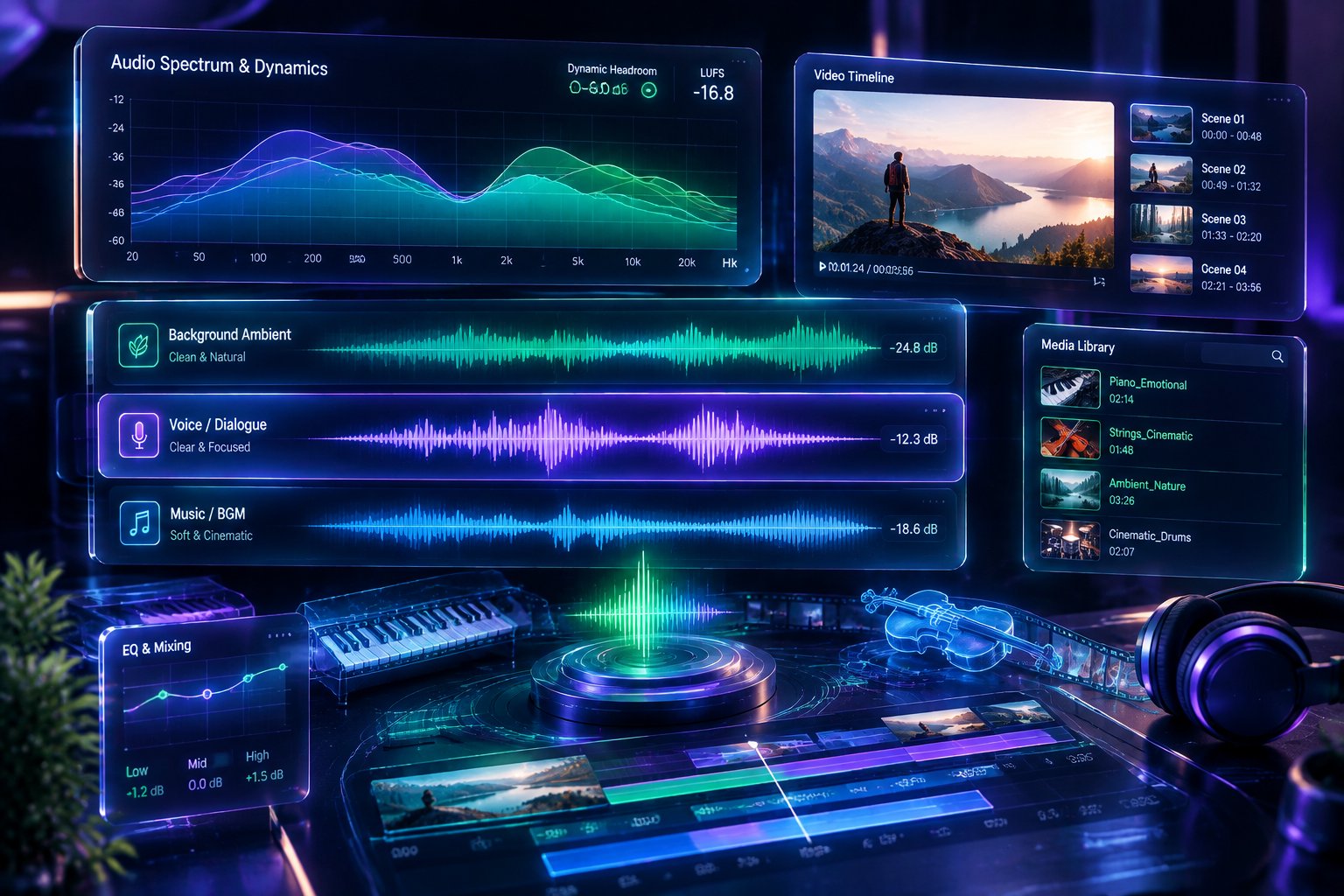
Most creators are familiar with the signature sound of low-effort AI audio: a muddy, over-compressed loop of wandering synth pads, ambiguous chord voicings, and an aimless melody that demands either too much attention or disappears into nondescript corporate elevator filler.
This rarely happens because text-to-audio models lack fidelity. It happens because generative audio engines rely on statistical medians. When fed vague prompts like "chill background music for YouTube video", the model gravitates toward the exact statistical center of its training weights—producing an uninspired average of everything it has ever processed.
Scoring high-impact background music requires treating generative engines like an acoustic orchestration room. By understanding frequency balance, dynamic headroom, and arrangement progression, you can steer generative engines to produce intentional, production-ready audio beds.
1. Carve Out the Speech Pocket (300 Hz – 3,500 Hz)
The primary failure mode of video background music is mid-frequency congestion. Human speech relies on the 300 Hz to 3.5 kHz window for vowel definition and consonant intelligibility. When background tracks feature loud mid-register instruments—distorted guitars, bright saw synths, dense piano chords, or centered vocal chops—they compete directly with the narrator, forcing listeners to strain to understand speech.
The Acoustic Mistake
Prompting for broad, dense arrangements:
"Uplifting corporate electronic background track with bright synth lead and energetic electric piano."
(Result: Crowds the exact fundamental frequencies of spoken dialogue, muddying the narrator's voice.)
The Frequency-Separated Approach
Direct the engine to anchor the low end and spread high-frequency textures wide, leaving the center frequency pocket open for voiceover:
"Minimalist downtempo underscore, warm sub-bass anchor, muted Rhodes chords, sparse organic percussion, wide stereo field, recessed midrange leaving space for narration, subtle room reverb, 88 BPM."
By explicitly defining instruments that occupy low frequencies (sub-bass, soft kick) and high-frequency stereo sides (shakers, light ambient air), the core dialogue channel remains clean and intelligible without needing aggressive ducking in post-production.
2. Replace Subjective Adjectives with Engineering Descriptors
Words like "epic", "chill", "beautiful", and "professional" carry virtually zero acoustic meaning. Latent-space audio models are indexed against physical sound attributes: instrument timbre, room acoustics, dynamic range, transient attack, and mixing styles.
To immediately upgrade output fidelity, translate subjective moods into studio production language:
| Vague Prompting (Poor Quality) | Audio Engineering Terminology (High Fidelity) | Acoustic Result |
|---|---|---|
| "Chill, relaxing vibe" | "Felt upright piano, tape saturation, soft transient attack, warm analog low-pass filter" | Warm, rounded tones without harsh digital glare |
| "High-quality commercial sound" | "Dry studio recording, close-mic'd instruments, uncompressed dynamic range, balanced transient punch" | Modern, transparent, punchy mix that cuts through on mobile speakers |
| "Epic cinematic background" | "Slow-bowed cello ostinato, wide room mics, plate reverb tail, heavy orchestral timpani accents" | Spacious, three-dimensional acoustic depth with clear dynamic contrast |
| "Clean tech background" | "Pizzicato acoustic strings, muted marimba, subtle modular synth arpeggios, wide binaural stereo image" | Precise, non-intrusive rhythmic momentum ideal for screencasts |
3. Pacing by Format: Structuring Your Production Prompts
Background audio is not a static loop; it should follow the narrative arc of your video timeline. Use targeted prompts tailored to specific media formats:
A. The Tech Screencast / Software Demo
- Target: Steady cognitive focus, rhythmic predictability, zero dynamic surprises.
- Instrumentation: Muted keys, subtle clock-like percussion, sub-bass foundation.
- Production Blueprint:
"Modern tech product underscore, soft marimba ostinato, subtle warm analog sub-bass, clean clicking percussion, 100 BPM, dry studio mix, minimal dynamic variation, designed for software walk-through."
B. The Narrative Essay / Documentary
- Target: Emotional depth, investigative tension, gradual narrative reveal.
- Instrumentation: Organic strings, sustained drones, sparse acoustic accents.
- Production Blueprint:
"Cinematic investigative score, repetitive solo cello motifs, distant hanging violin drones, subtle ticking acoustic percussion, gradual arrangement crescendo over two minutes, 74 BPM, wide room acoustics."
C. The Travel Vlog / Cinematic Lifestyle Reel
- Target: Organic warmth, forward momentum, uplifting natural energy.
- Instrumentation: Fingerpicked acoustic guitar, live percussion, upright bass.
- Production Blueprint:
"Organic indie acoustic score, fingerpicked Martin acoustic guitar, warm upright bass, subtle hand percussion and brush snare, bright daytime atmosphere, uncompressed master, 110 BPM."
4. Ditch the Monolithic Track: Build Modular Cues
One of the telltale signs of beginner video production is dropping a single three-minute AI audio track under an entire video and fading it out at the end. Professional editors cut their scenes around distinct musical cues:
Cue 1: Intro Stinger & Bed (0:00 - 0:15)  --> Hook the viewer, set the tone
Cue 2: Main Underscore (0:15 - 1:45)      --> Sustained rhythm under primary talking points
Cue 3: Tension Breakdown (1:45 - 2:15)    --> Bass drops out, spotlighting the key insight
Cue 4: Climactic Resolution (2:15 - 2:45) --> Full instrumentation, driving the final CTA
Instead of hoping a single generation fits your video timeline, generate modular variations that share the same key and BPM inside Auto BeatFlow's workspace. Rendering sparse ambient beds alongside driving rhythmic versions gives your video editor natural cut points, allowing the score to shift seamlessly as your visual scenes change.
5. Post-Generation Polish: Two Minutes to Studio Quality
Even well-prompted AI generations benefit from light corrective equalization before being placed under your voiceover track:
- High-Pass Voiceover Clutter: Apply a steep high-pass filter at 25 Hz to 35 Hz to cut inaudible sub-rumble, preserving headroom for your master bus.
- Dynamic Mid Dip: In your video editing suite or DAW, insert a parametric EQ on the music track and pull down 2.5 kHz by 2 dB to 3 dB with a wide Q value. This ensures your voiceover sits naturally on top of the mix rather than fighting for space.
- Smooth Crossfades for Looping: If you need a cue to loop continuously, trim the clip along a precise bar boundary and apply a 4-beat equal-power crossfade between the overlapping heads and tails.
Elevate Your Soundbed
Background music should never feel like an afterthought slapped over finished visuals. When you prompt with clear instrumentation, deliberate frequency distribution, and structural movement, AI stops generating elevator loops and starts behaving like a responsive scoring partner.
Open Auto BeatFlow to dial in your acoustic parameters, lock in your project's tempo, and create custom background scores that make your visual storytelling shine.
Related articles

Creating Game Soundtracks with AI: A Practical Guide
Score your game with AI: seamless loops with the overlap-cut technique, biome-by-biome prompt blueprints, vertical stem layering for dynamic music, and mixing tips for Unity, Unreal and Godot.
How to Write Better Lyrics for AI Music Generators
Awkward phrasing and rushed vocals usually come from the lyrics, not the AI. Learn the syllable, structure-tag, vowel and phrasing rules that make AI-generated songs sound like real songs.
7 AI Music Mistakes Almost Everyone Makes
Muddy, unstable AI tracks usually come from the prompt, not the model. Fix genre stacking, buzzword prompts, missing BPM, seed variance, lyric meter, timecode prompts and post-generation EQ.