 Auto BeatFlow
7 AI Music Mistakes Almost Everyone Makes
Muddy, unstable AI tracks usually come from the prompt, not the model. Fix genre stacking, buzzword prompts, missing BPM, seed variance, lyric meter, timecode prompts and post-generation EQ.
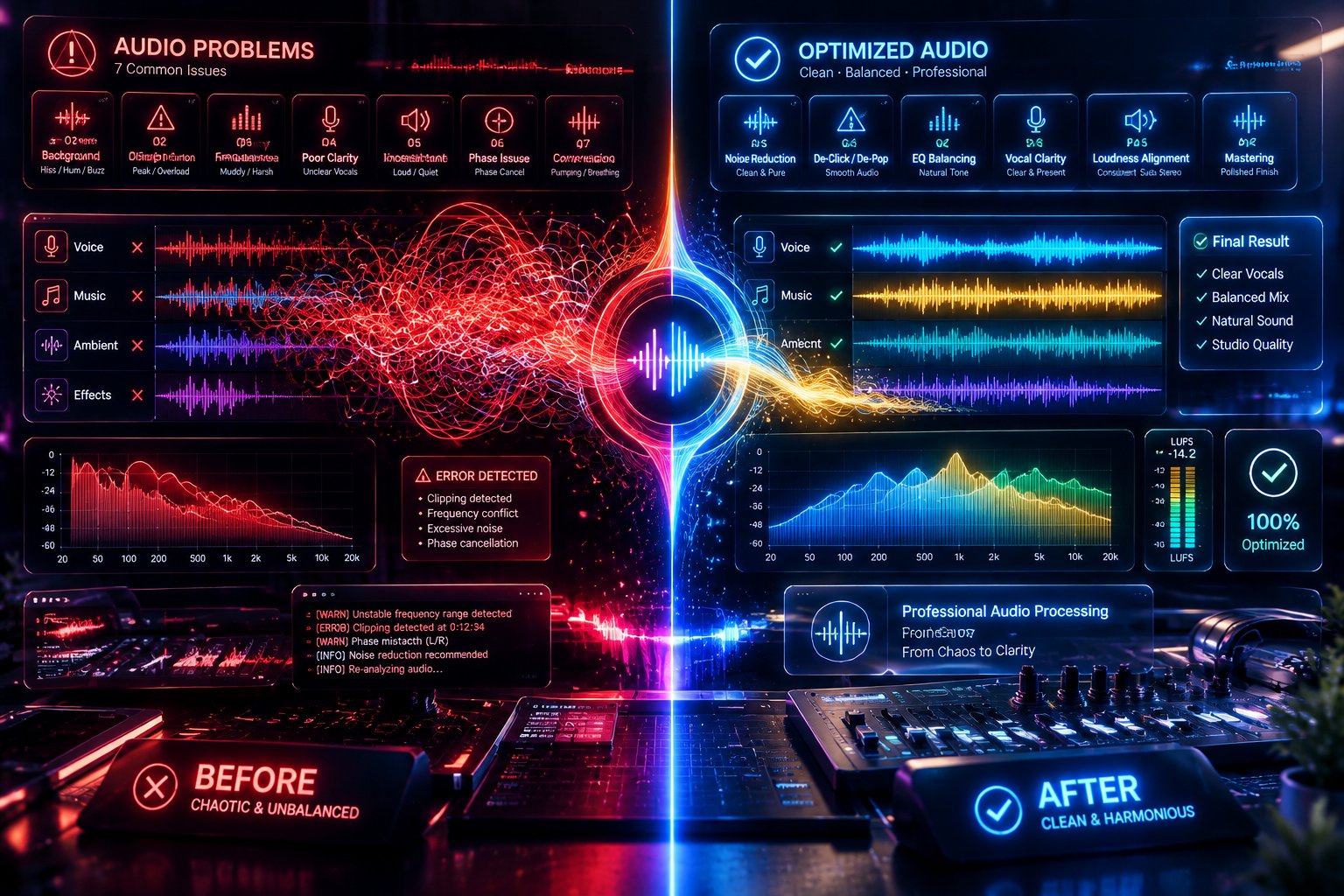
When audio generated by an AI music model sounds disjointed, phase-smeared, or rhythmically unstable, creators almost universally assume the underlying neural architecture failed. In production practice, however, raw acoustic synthesis is strictly probabilistic. The engine simply executes mathematical weightings against the tokens it receives.
Most underwhelming outputs are not caused by algorithmic limitations—they are the direct consequence of anti-patterns in prompt construction, contradictory spatial requests, and flawed generation workflows.
Here are the seven most common mistakes creators make when generating AI music, the acoustic science behind why they fail, and the exact production adjustments required to fix them.
1. Genre Stacking: Inducing Latent Vector Clashing
One of the most persistent habits among beginners is treating prompt boxes like an eclectic playlist generator:
❌ "Lo-fi hip hop mixed with aggressive death metal, progressive jazz fusion, trap 808s, and ambient synth pads."
In deep neural audio models, genres are not distinct audio tracks stacked on top of each other like multitrack stems in a DAW. They are high-dimensional vectors within an acoustic latent space.
When you prompt for mutually exclusive genres, the synthesis engine tries to satisfy contradictory mathematical constraints simultaneously:
- Death metal requires wide, distorted room acoustics, hyper-compressed drum transients, and heavy mid-frequency saturation.
- Lo-fi hip hop mandates narrow band-pass filtering (telephone EQ), soft tape warble, ducked kicks, and rolled-off highs.
Forcing the model to resolve these polar opposites results in phase cancellation, washed-out transients, and a generic, muddy mid-range compromise.
- The Fix: Anchor the prompt to one primary genre foundation, then introduce secondary characteristics strictly through specific instrumentation and production descriptors:
- ✅ "90s boom-bap drum groove, 88 BPM, layered with clean jazz archtop guitar voicings, warm sub-bass, vinyl surface crackle, and soft analog electric piano."
2. Using Emotional Buzzwords Instead of Acoustic Engineering Terms
Adjectives like "mind-blowing", "insane", "masterpiece", "chart-topping", and "hyper-epic" waste prompt tokens. Neural diffusion models do not have emotional perceptions; they do not know what constitutes a "masterpiece." Their training metadata is indexed against physical sonic attributes: frequency distribution, room reverberation, transient attacks, and melodic structures.
When you pack a prompt with marketing superlatives, you reduce the relative attention weight available for actual musical guidance.
- The Fix: Replace subjective praise with physical acoustic specifications:
- Instead of "epic, insane bass", write "tight 808 sub-bass, clean fundamental at 45 Hz, fast transient attack, no distortion."
- Instead of "beautiful, heavenly vocals", write "close-mic'd female soprano, dry studio acoustics, breathy delivery, high-shelf boost at 10 kHz, subtle plate reverb."
3. Omitting Explicit BPM and Metrical Signatures
Leaving tempo unspecified forces the model to select a statistical average based on its training correlations for that style. This creates two immediate production problems:
- Unstable Transients: Without an explicit tempo anchor, rhythms can drift subtly between measures, making the track impossible to sync to a video timeline or loop seamlessly.
- Workflow Breakage: If you generate multiple cues or sections intended to be cut together in post-production, unsynced tempos will ruin transition points.
- The Fix: Always define an explicit Beats Per Minute (BPM) value and rhythmic pacing in your prompt:
- "124 BPM driving four-on-the-floor kick"
- "72 BPM half-time hip-hop groove with swing hi-hats"
4. The "One-Take Fallacy": Ignoring Seed Variance
Novice users often type a single prompt, evaluate the very first 30-second audio clip, decide the concept "doesn't work," and completely rewrite the prompt.
Text-to-audio synthesis uses probabilistic diffusion. The text prompt defines the general coordinate neighborhood in latent space; the random seed determines the specific starting noise field from which the audio crystallizes. The exact same prompt can yield an uninspired chord progression on Seed 1, a chaotic mess on Seed 2, and an exceptional, broadcast-ready composition on Seed 3.
- The Fix: Adopt an iterative testing protocol. When testing a new sonic concept inside the Auto BeatFlow generator, run three to four generations using the exact same prompt before modifying any text parameters. If the instrumentation and overall aesthetic are promising, keep the prompt intact and adjust only single variables (such as tempo or a specific instrument descriptor).
5. Over-Writing Natural Language Paragraphs in Lyric Fields
Text-to-singing models operate by mapping phonemes onto metric temporal grids. When users paste conversational text, stream-of-consciousness thoughts, or irregular prose into vocal fields, the synthesis engine struggles to find musical meter.
If Line 1 contains eight syllables and Line 2 contains twenty-two, the vocoder must either drastically double-time the delivery or discard natural speech stresses to fit the measure. The result is rushed, breathless, and distinctly synthetic vocal delivery.
- The Fix: Enforce rigorous metric symmetry. Count your syllables (aiming for 6 to 9 syllables per line in standard pop and rock forms) and use explicit structural markers (
[Verse],[Chorus],[Bridge]). Group lines into rhyming couplets with consistent downbeat accents so the model can distribute phonemes cleanly across standard musical bars.
6. Micro-Managing Chronological Timecodes in Text Prompts
A common misconception is that diffusion models can be programmed linearly via natural language:
❌ "Start with piano for 12 seconds, then at 0:13 add an acoustic guitar, then at 0:28 have a sudden drum drop followed by an electric guitar solo."
Diffusion-based audio engines process generation prompts holistically across the entire file rather than parsing them as chronological script instructions. Trying to direct exact timecode changes in a single text string confuses the model's global attention mechanism, resulting in premature dynamic peaks or missing instruments entirely.
- The Fix: Direct the track's evolution using recognized musical arrangement stages and relative dynamics rather than absolute timestamps:
- "Structure: Sparse acoustic intro, steady crescendo through pre-chorus, dynamic drop into chorus with full rhythm section, decaying ambient outro."
7. Skipping Post-Generation EQ and Dynamic Conditioning
Expecting an AI audio generator to output a fully mastered, club-ready WAV file directly from a browser export is unrealistic. Raw synthetic audio frequently exhibits two characteristic acoustic artifacts:
- Sub-Audible Mud: Incoherent low-frequency buildup below 30 Hz that consumes headroom without adding audible weight.
- Digital Sizzle: Phase anomalies and metallic high-frequency sheen between 10 kHz and 16 kHz.
- The Fix: Implement a rapid, non-destructive post-processing chain in any digital audio workstation (DAW) or editor before publishing:
- High-Pass Filter: Apply a steep 24 dB/octave cut at 30 Hz to eliminate useless sub-bass rumble.
- Corrective Mid-Dip: Sweep between 2.5 kHz and 4 kHz to locate and attenuate harsh digital resonances by 1.5 to 2.5 dB.
- High-Shelf Smoothing: Apply a gentle high-shelf cut of 1 dB at 12 kHz to soften synthetic top-end sheen.
Precision Engineering for Neural Audio
Generating exceptional AI music is not a lottery—it is an exercise in acoustic communication. When you eliminate conflicting style tags, anchor your rhythms with precise BPM targets, structure lyrics with metric discipline, and iterate through seed generations systematically, the output shifts from unpredictable novelties to reliable, broadcast-ready productions.
To put these principles into practice and build your own library of finely tuned prompt architectures, open Auto BeatFlow and start composing with professional-grade acoustic control.