 Auto BeatFlow
How to Write Better Lyrics for AI Music Generators
Awkward phrasing and rushed vocals usually come from the lyrics, not the AI. Learn the syllable, structure-tag, vowel and phrasing rules that make AI-generated songs sound like real songs.
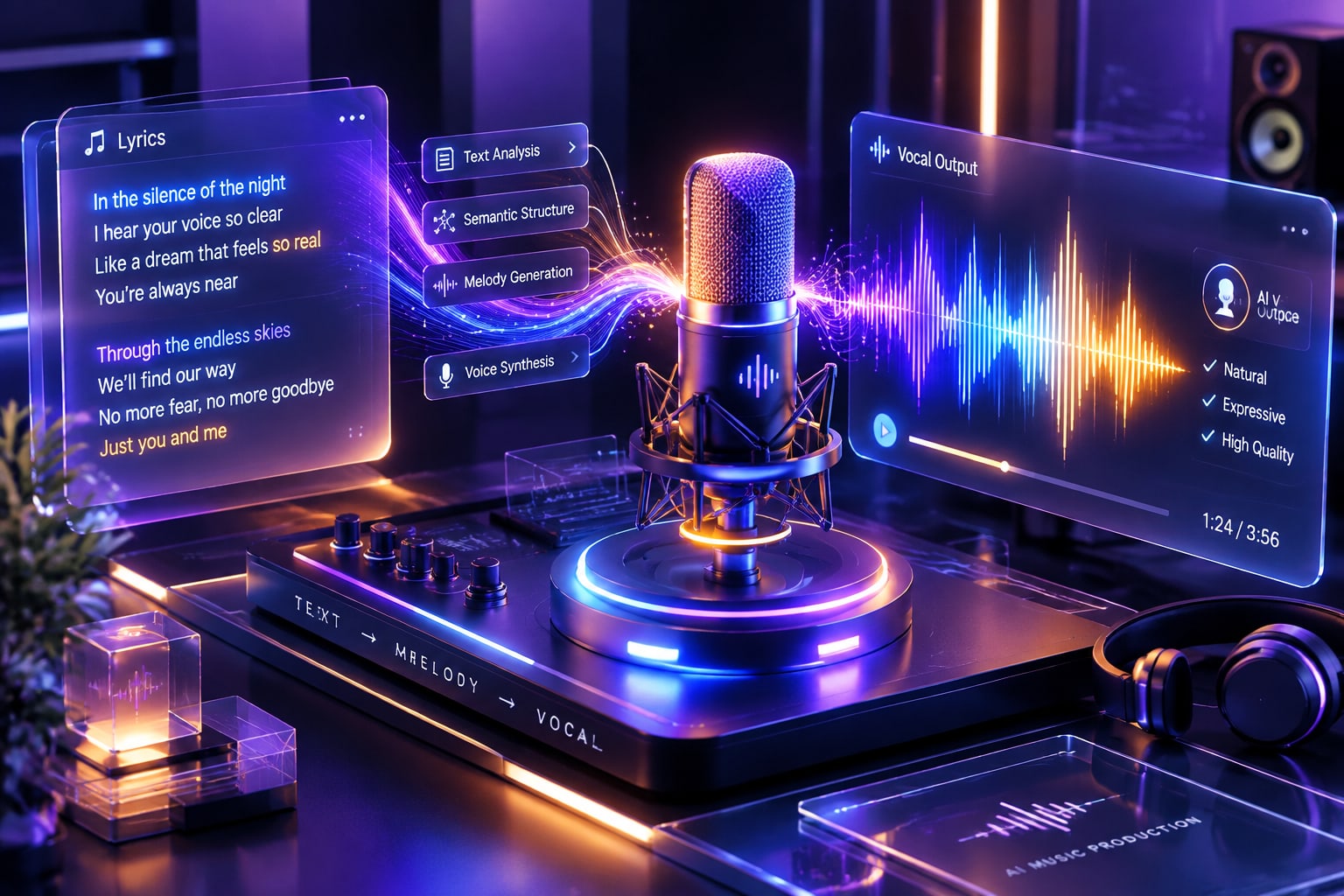
Most AI music tools can turn a few words into a full composition in seconds. But anyone who has experimented with synthetic vocals knows the common pitfalls: awkward phrasing, rushed cadences, and artificial delivery that breaks immersion.
When an AI engine converts text into singing, it doesn't intuitively "feel" rhythm or breath support—it maps syllables onto tempo grids and pitch curves. If your lyrics fight the natural meter of musical phrasing, the AI vocalist will inevitably stumble.
Writing lyrics engineered specifically for neural vocal engines creates tight, musical, and emotionally grounded songs that sound genuinely human.
1. Meter Trumps Rhyme: The Syllable Count Rule
A frequent mistake in beginner songwriting is obsessing over end-rhymes (heart / apart / start) while completely ignoring syllable balance. If Line 1 has 6 syllables and Line 2 suddenly packs in 15, the vocal model has no choice but to rush the second line to squeeze it into the musical bar, resulting in garbled or breathless phrasing.
The Problem: Narrative Run-Ons
I miss you tonight
And every single second that passes by without you feels completely unbearable
The Solution: Metric Symmetry
Keep syllable counts balanced within rhyming pairs. Aim for 6 to 10 syllables per line with predictable stress accents:
I miss your shadow on the floor, (8 syllables)
I hear your footsteps at the door. (8 syllables)
The clock is ticking way too slow, (8 syllables)
There’s nowhere left for me to go. (8 syllables)
Symmetrical line lengths give the rhythm engine clean mathematical space to assign sustained notes and natural downbeats.
2. Use Structural Tags as Dynamic Arrangement Prompts
Never paste raw, unbroken blocks of text into an AI generator. Explicit structural markers act as metadata hints, signaling the model when to introduce instruments, build tension, or deliver the main melodic payoff.
Format your lyrics with clear bracketed arrangement cues:
[Intro - Soft Rhodes piano and subtle bass]

[Verse 1 - Intimate dry vocal, light percussion]
Streetlights flicker on the avenue
Neon reflections in pools of blue
Keys in my pocket, coffee is cold
Chasing a dream that's getting old

[Pre-Chorus - Swelling synth pad, building snare]
The static rises in the air
I look around but you’re not there

[Chorus - Full dynamic energy, wide stereo vocals]
Turn the dial, break the sound
Lift these feet up off the ground
No looking back, the night is clear
We’re miles away from yesterday’s fear

[Guitar Solo - Melodic and blues-inspired]

[Bridge - Half-time drums, acoustic guitar only]
If everything we built should fall
I’d still answer when you call

[Chorus - Peak intensity, full harmonies]
Turn the dial, break the sound
Lift these feet up off the ground

[Outro - Instrumental fade, long reverb tail]
Turn the dial...
Break the sound...
Modern tools like the integrated lyric workspace in Auto BeatFlow interpret these bracketed cues directly, adjusting dynamic density, vocal intensity, and harmonic changes automatically across the track.
3. Choose Open Vowels for Sustained High Notes
Neural vocal synthesizers struggle with harsh, clustered consonants (sp, tr, ng, k, t) when attempting to hold high or long notes. If you want a powerful chorus with resonant, soaring delivery, place open vowel sounds (ah, oh, ay, ee) on the downbeats or at the end of key phrases.
- Hard for synthesis to sustain cleanly: "Don't twist the wrist until it clicks"
- Natural and resonant to sustain: "We touch the sky and drift away"
Open vowels give the audio engine the physical harmonic space to apply natural vibrato without introducing metallic phase artifacts.
4. Write Phrasing Breaks for Respiration
Human vocalists need to inhale. AI voices don't—unless you build breathing room into your formatting. Providing an uninterrupted block of text prompts the engine to generate an unnatural stream of continuous singing that exhausts the listener.
Use punctuation and line breaks as timing directives:
Hold on—
Before the daylight breaks.
One breath...
That’s all this moment takes.
Punctuation creates micro-pauses that mimic natural human respiration, preventing synthesized voices from sounding like run-on speech.
Putting Your Lyrics into Practice
Writing for AI doesn't mean stripping out lyrical creativity; it means giving the model the structural architecture it needs to translate your ideas into song.
When you are ready to test your metered lyrics and structural tags across indie pop, rock, electronic, or acoustic styles, open Auto BeatFlow and hear your lines come to life with studio-grade vocal phrasing.